| TheSims3.com | |
|---|---|
| |
| Games |
|
| Focus | Official |
| Pay site |
|
| https://web.archive.org/web/20120902032844/http://www.thesims3.com/ | |


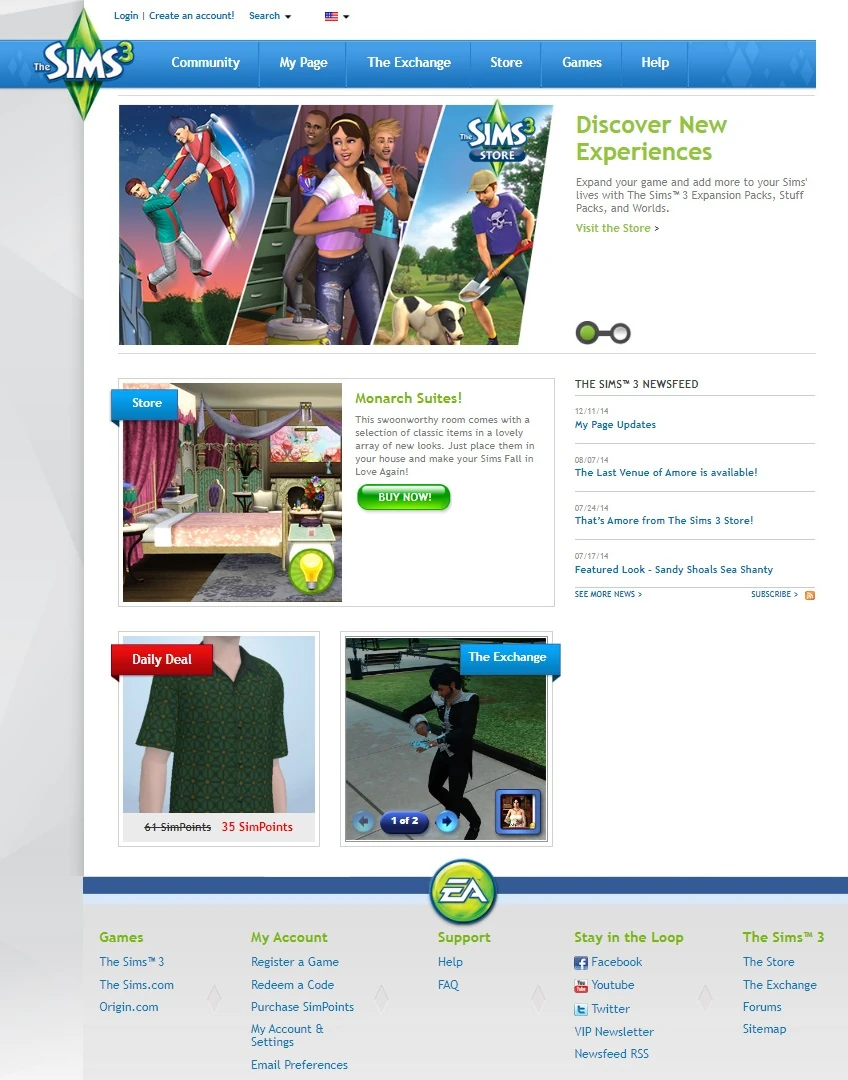
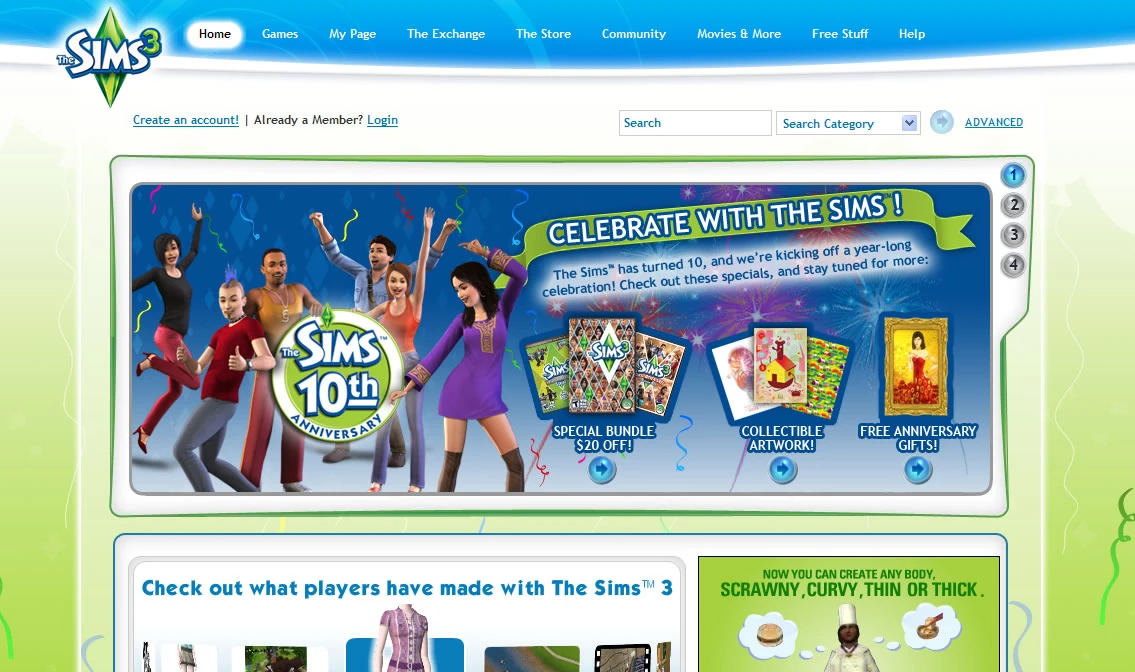
TheSims3.com is the official site for The Sims 3, launched in March of 2008. Beginning in the summer of 2008, the game's development team posted blogs about features in The Sims 3 such as Worlds, collecting, traits, and storytelling.
Since the release of The Sims 3, the website has served as a source of news, stories, videos, and downloadable content from The Store and The Exchange.
The website and its social system are also core components of— and a requirement for— SimPort[TS3:ST] and friend gifting.
The Sims 3 Store

The Sims 3 Store offers exclusive items sets for Build mode, Buy mode, and Create a Sim. Game Update 1.8/2.3[1] allows players to "shop" the Store while playing The Sims 3 via the Build/Buy mode and Create a Sim catalogs.
The store consists of seven categories. An eighth category, Premium Content, contains items that are only available with the purchase of an item set or world. The categories are:
- Worlds - This category has premium worlds, pre-populated with lots and Sims. The price for one world is generally USD $20–$25, or 2000-2500 SimPoints.
- Venues - This section has pre-made lots to place in your town, which are usually community lots.
- Sets - This section has collections of items, usually with a theme for each collection. It has sets with Build/Buy items, CAS items, or a mixture of both. It also has a wide variety of prices depending upon the set, ranging from free to USD $72.
- Build/Buy - This section allows players to buy individual items for Build/Buy mode. The items offered are usually themed. Players can browse through the sections by item types (Hobbies and Skills, Lighting, Comfort, etc.), but not by room categories (Living Room, Study, Bathroom, Bedroom, etc.).
- Create a Sim - This section contains individual items for Create a Sim mode. It is divided into two categories: Hair and Clothing, which is further divided into Male and Female subcategories.
- Sale! - This section displays items across all categories that are on sale.
- Daily Deal - This category is similar to the Sale! section, however it features one (usually expensive) item at 50% off of its normal price. It also displays two timers: one that shows when the next two deals start, and one that shows when the current deal ends.
- Make Me an Offer - This category will show three to five items that a player does not own on sale with a discount between 10% and 60% for one hour. Players can randomize the items shown five times per day. The limit will be reset after 24 hours or if a player decides to purchase the bundle shown. This category has some exclusive items.
SimPoints
SimPoints are the currency used within The Sims 3 Store. SimPoint bundles of differing prices can be purchased with real currency by a player. SimPoints cannot be converted back into real currency once purchased. SimPoints may also be given to players after purchasing a particular Expansion Pack, Stuff Pack, or World, but this is usually a promotional offer. It costs USD $10 to purchase 1,000 SimPoints, though the exact cost of SimPoints may vary depending on sale prices or special bundle prices.
Trailer for the Sims 3 Store
The trailer for The Sims 3 Store.
As a "sneak peak" to The Sims 3, players could try out three "SimTeasers", which served as introductory demos of The Sims 3.
- SimSidekick
- SimSidekick was a plugin that allowed players to browse the web with a Sim. There was a Firefox addon for this feature, but the link no longer works.
- SimFriend
- SimFriend allows the player to choose a Sim for a "friend". The friend then begins to send the player emails about what is happening in their lives and occasionally asks them for advice. The players receives a Trust score based on how good that advice is. There are achievements based on how many relationships, jobs, and skills the friend has are also available.
- SimSocial

A notice to SimSocial users that SimSocial will be shut down.
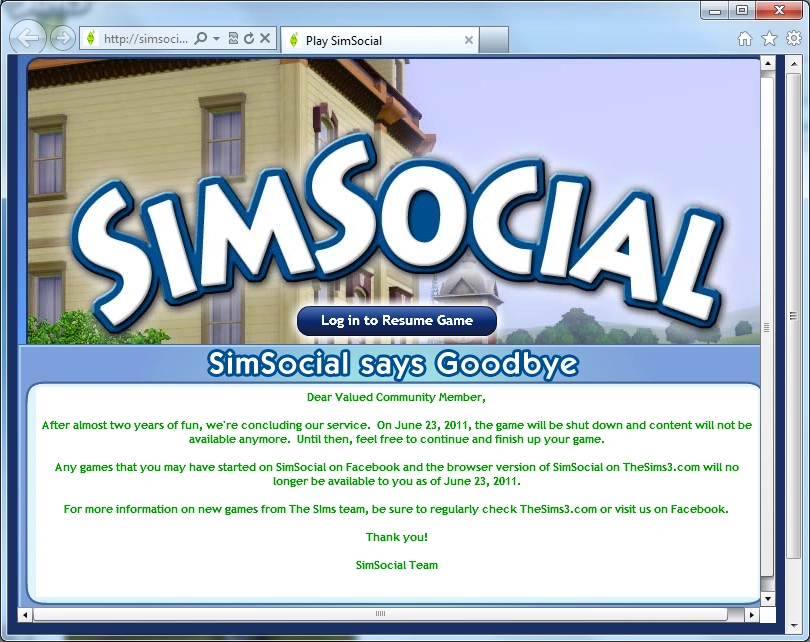
- SimSocial was a simplified version of The Sims 3 based on Kudos 2 by Positech Games. It featured abbreviated Create a Sim options, including traits and a lifetime wish. Otherwise, its gameplay closely resembled Kudos 2.
- On May 23, 2011, EA announced that SimSocial would be shut down.
Badges
Badges can be earned through the game and displayed on Player accounts on TheSims3.com
| Badge | How it's Earned |
|---|---|
|
|
Having an exchange item be featured on The Sims 3 website. |
|
|
Bought at The Sims 3 Store. |
 Sim Love Starter Badge Sim Love Starter Badge
|
A free badge from The Sims 3 Store. |
 Switzerland Switzerland
|
Bought at The Sims 3 Store. |
 Luck be a Simoleon Luck be a Simoleon
|
St. Patrick’s Day Badge.
Bought at The Sims 3 Store. |


Premium Content
Premium Content consists of items that add additional gameplay features, moodlets, and animations. In 2011, EA introduced the first Premium Content item,[2] the Sharper Sim Foot Massage Chair. Following its release, new Premium Content items were added regularly to The Sims 3 Store, usually as a part of monthly sets.
In December 2011, the famous Laganaphyllis Simnovorii, otherwise known as the Cowplant, became available for purchase.
Social Features
In addition to downloadable content and other exclusives, TheSims3.com features several optional social features.
- My Page - The player's personal page functions similarly to a Facebook wall. Players can post status updates and share memories captured with the in-game memory camera. Recent achievements and stamps are automatically posted to the player's page. When a friend posts an update to their own page, a notification will appear in game allowing the player to make a reply. Players are able to upload a Sim to use as a profile picture and select traits to define themselves with to display on their profile.
- My Friends - Players are able to add others and communicate with them, share game progress, and generally socialize through each other's walls.
- My Studio - The player's uploaded content (such as custom Sims, videos, and memories) can be found here and viewed or deleted.
- My Messages - This interface displays messages a player has received
- Note: Players are not able to directly message each other; this interface is used for system messages.
- My Blog - Allows players to create basic HTML-coded blog posts to share with friends.
- My Goodies - This area contains unlockable stickers and avatar backgrounds for the player's profile.
- My Favorites - Displays all items favorited on The Exchange.
- My Treasure Hunts - Displays the sitewide treasure hunts attempted by the player. This feature is now defunct.
- My Account - Allows players to register games, redeem codes, and make changes to their account.
Trivia
- All store sets and worlds were released on a Thursday.
- Several items from The Sims 2: Bon Voyage from the sub-neighborhood Three Lakes became available for purchase.
References
- ↑ Patch 1.8/2.3 in thesims3.com.
- ↑ Premium Content in the store.