


Mailbox
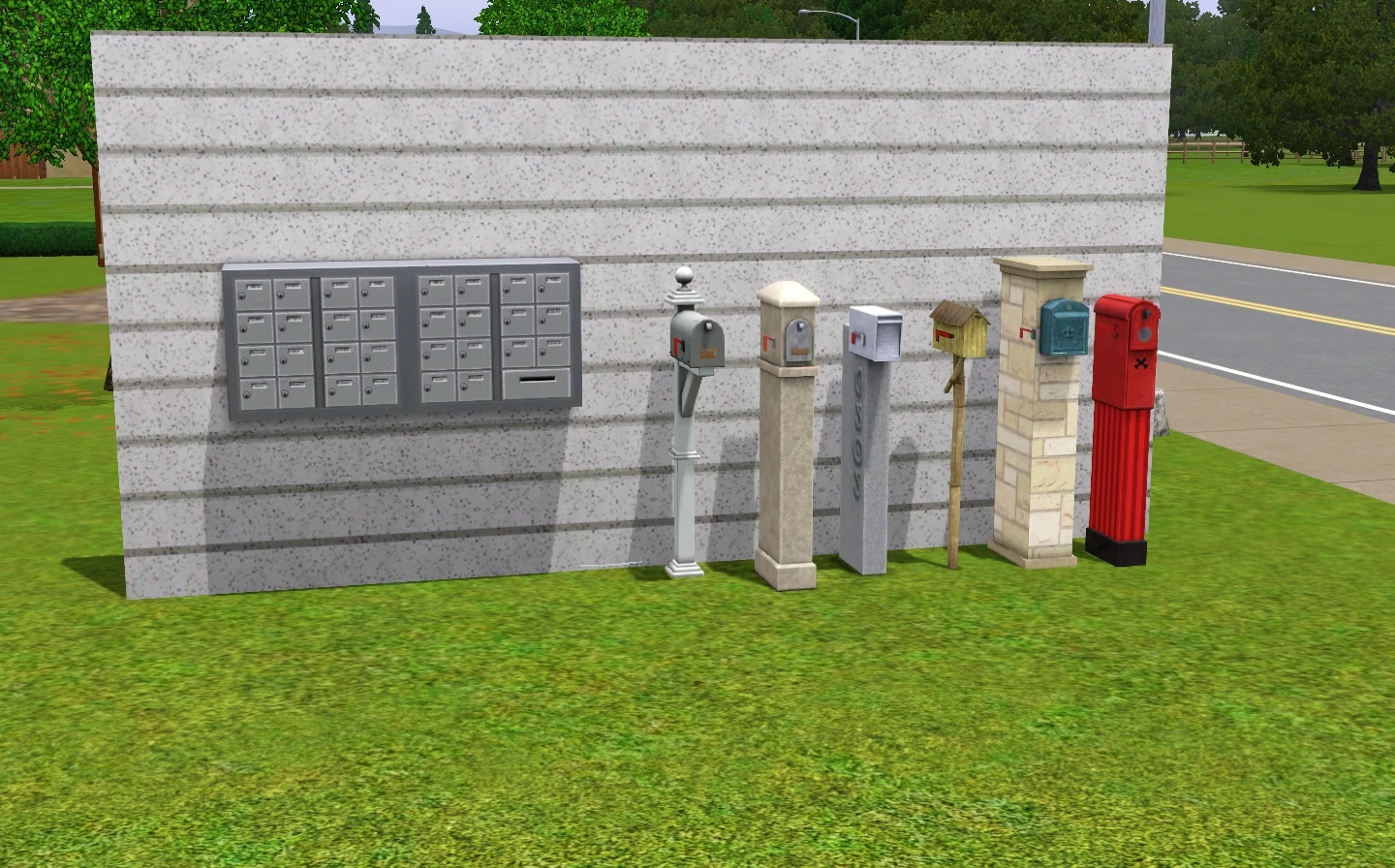
Several types of mailboxes in The Sims 3.
The mailbox is a special object, present on all residential lots in The Sims, The Sims 2, The Sims 3, and The Sims 4. Mailboxes are used to receive and to pay bills in all games. Various expansion packs allow other pieces of mail to be sent to mailboxes as well, such as date rewards or coupons.
In The Sims and The Sims 2, the mailbox object also has other functions not related to sending and receiving mail. The mailbox serves as a "marker" which allows visitors to find the front door. Taxicabs, carpools and school buses tend to stop near the mailbox. In The Sims 2: Bon Voyage and later, Sims who are walking back home from a community lot are considered to have arrived when they reach the area of the mailbox.
In The Sims and The Sims 2, the mailbox is not moveable and cannot be deleted unless the moveobjects cheat is activated. Mailboxes cannot be bought or spawned in (unless the game is modified), so deleting the mailbox is not advised. The Sims 3 gives the player the ability to move the mailbox around the lot to a location of their choosing; however, a cheat is still required to delete the mailbox. In The Sims 4, players can also move the mailbox to wherever they want and can delete it like any other object if they want to; however, a new mailbox will usually be automatically created by game.
The mailbox has several special properties when the testingcheatsenabled cheat is activated in The Sims 2 and, to a lesser extent, in The Sims 3. In the latter game, using the same Testingcheatsenabled cheat followed by the Buydebug one, the player is able to obtain different mailboxes, provided that they have the Store worlds/expansion packs that include those different mailboxes.
The Sims
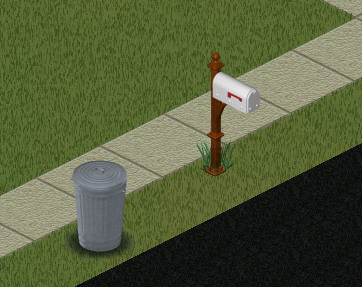

The mailbox in The Sims, located near the trash can.
In The Sims, the mailbox served only a single purpose—to provide a place for the mail carrier to put the bills in. Mailboxes take the form of a traditional "Joroleman" mailbox with a red semaphore flag that is raised by the mail carrier when there is incoming mail. As the mailbox is located outside the lot boundaries, it cannot be moved or modified by the player.
If Unleashed is installed, and the player converts an Old Town residential lot to a community lot, the mailbox will become invisible, but can still be located with the moveobjects cheat.
The Sims Bustin' Out
Houses have a basic mailbox with much the same design as in The Sims.
- This section is in need of additional information. You can help The Sims Wiki by expanding this section.
The Sims 2
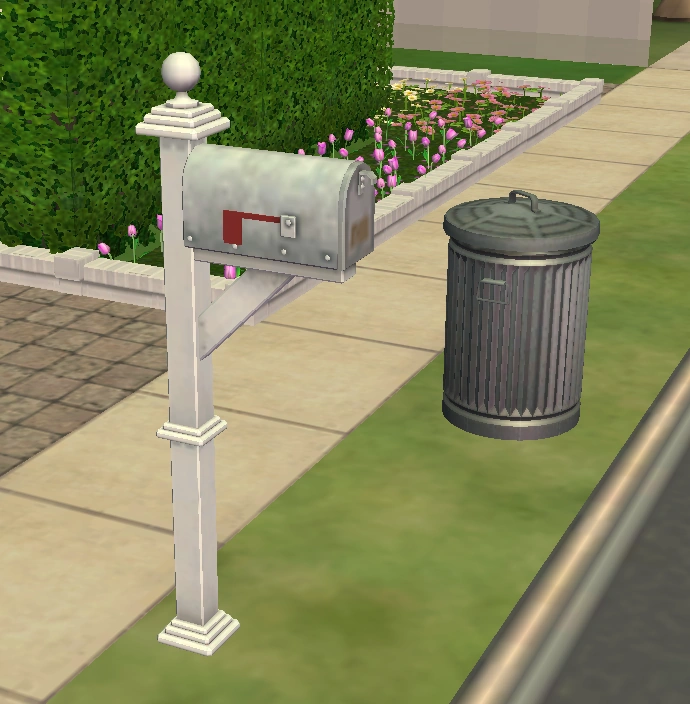

The mailbox in The Sims 2.
Mailboxes in The Sims 2 served the same function as the previous game, with a few additional features. Mailboxes are now used as markers; walkbys will often stop by the mailbox briefly before carrying on. They also determine where Sims will appear after moving in, as well as the direction the taxi drives off in if cinematics are enabled. If Bon Voyage or later is installed, Sims walking back from a community lot will end their trip by the mailbox. Witches in Apartment Life will use the mailbox to determine where they will appear on the lot if they fly in. In addition, the mail carrier will collect paid bills from the mailbox,[n 1] and will lower the semaphore flag when doing so.
In the base game, mailboxes only serve as objects for bills to be delivered, paid and collected back. A Sim may retrieve mail autonomously, but will usually need to be directed by the player. If Nightlife is installed, coupons and date rewards will be delivered to the mailbox. If the mail carrier cannot reach the mailbox, they will attempt to spawn mail in front of it. If they are unable to do so, they will attempt to place or spawn it on an available flat tile on the lot.
In an apartment, the mailbox takes the form of a mail station, with numerous letterboxes. The mail station is used to pay both the rent and the usual bills. Sims will use a slot on the side of the station to pay their rent, while the compartments in the front are used to pay and collect bills and other items of interest. The red semaphore flag is replaced with a green light, which is lit when there is incoming mail. Landlords will pick up paid rent from the mailbox as part of their daily duties.
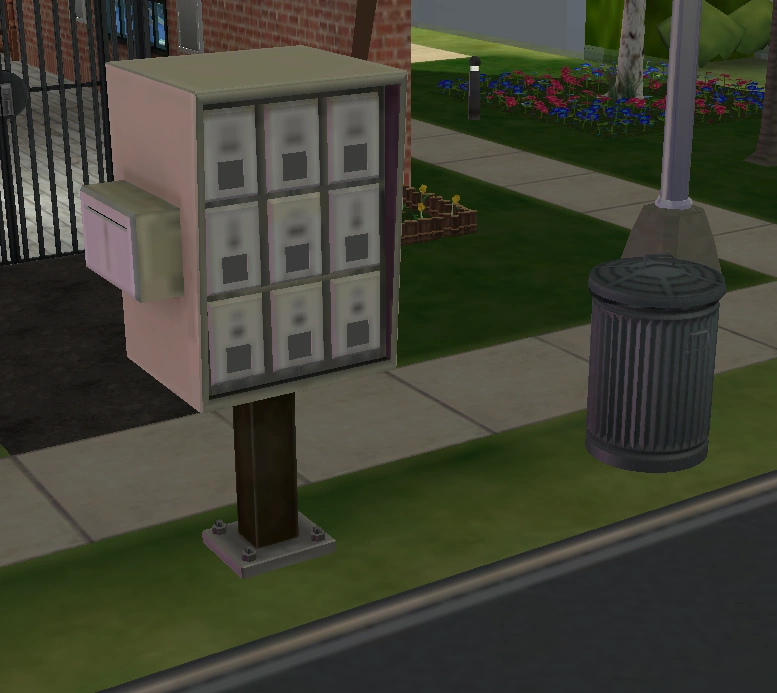

An apartment mailbox.
Like The Sims, the mailbox by default cannot be moved without the use of cheats. If moveobjects is used to move the mailbox to a different location, walkbys may move towards the mailbox's new location, which may lead to some unusual behavior.
Several options are visible when players enable the testing cheats and shift-click on the mailbox. Players can force the game to generate or spawn certain NPCs on the lot, and can make the selected Sim know everyone in the neighborhood.
If Mansion & Garden Stuff is installed, players can use the design tool on the mailbox to customize it. Apartment mailboxes do not have any recolors, and as such cannot be customized.
The mailbox can be removed with the use of cheats; however, doing so is not recommended, as it will prevent the lot from working correctly. If a family is moved into a lot without a mailbox, live mode will be disabled, and the only way to resolve the issue is to use mods to obtain a new mailbox.
The Sims 3
In addition to its basic functions:
- A Sim can send collected gems in the mailbox to a gem cutter service, and will then receive the cut gem back in the mail.
- A household that got married may receive presents in the mailbox.
- Sims with the Good trait are able to donate to charities using the mailbox; Evil Sims can donate to undermine them.
- Patch 38 lets players who are logged onto TheSims3.com in-game, use Friend Gifting to send gifts to other players.
- Patch 42 allows the player to have their Sim use the mailbox to send love letters to other Sims; and the household will often receive love letters from other Sims as well.
- Fairies[TS3:SN] can set a booby trap on the mailbox with a swarm-of-bees prank.
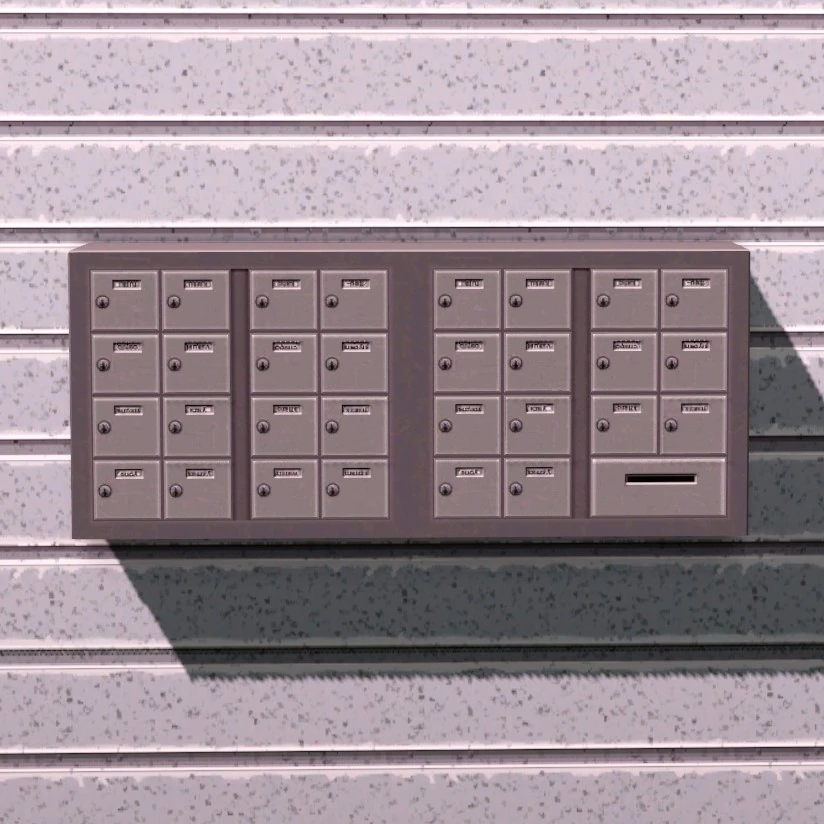
Premade penthouses, instead of a standalone mailbox, will have a wall-mounted mail station in the lobby. These mail stations cannot be obtained on regular lots without the use of hacks or mods. Certain lot assignments that serve as living headquarters also feature special mailboxes. The base camps of Al Simhara, Champs Les Sims and Shang Simla have a noticeboard where the player can have their Sim take on adventure. Dormitories, fraternities and Sororities have University Job Board, which can be used to check for any day jobs, social group jobs and dares. In addition, these special mailboxes also hold interactions of those of a normal mailbox's.
With Buydebug, it is possible to add to a lot and use a mailbox intended for a different world/setting. As the game will usually only allow one mailbox on a lot at a time, Testing cheats would be needed in order to delete the old mailbox.
Likewise, mailboxes can be placed on community lots with Buydebug, but the mailboxes will not have any relevant functionalities on those lots.
The names of the charities for Good/Evil Sims include:
|
|
2 possible charities' names are picked at random to be selectable for a Sim each day.
Varieties
| Image | Name | Description | Notes | Game |
|---|---|---|---|---|
|
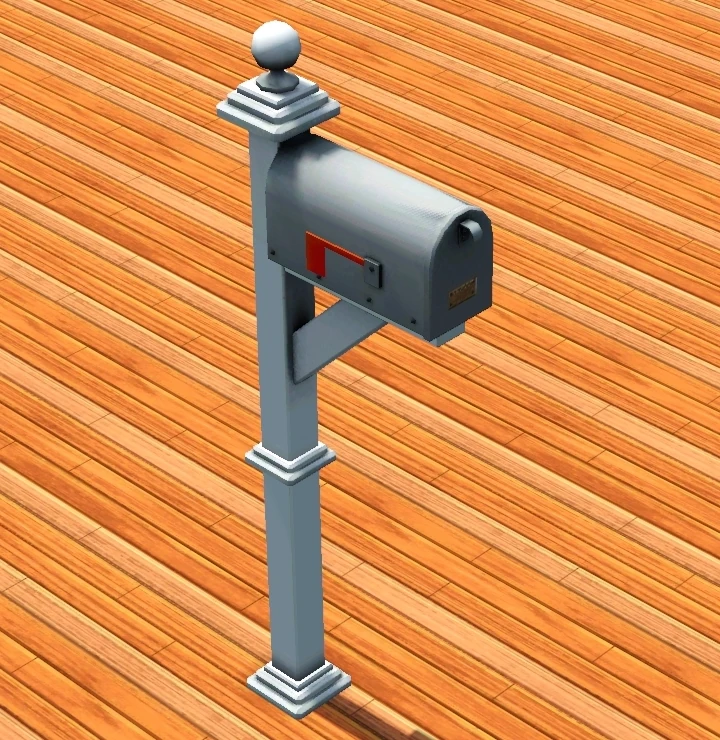
Colonial Mailbox | The default mailbox. |
  | |
|
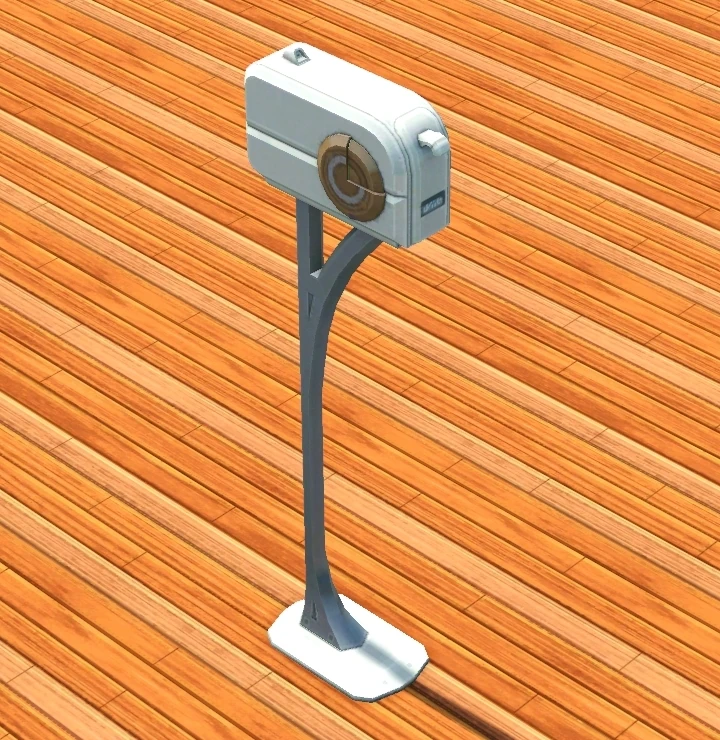
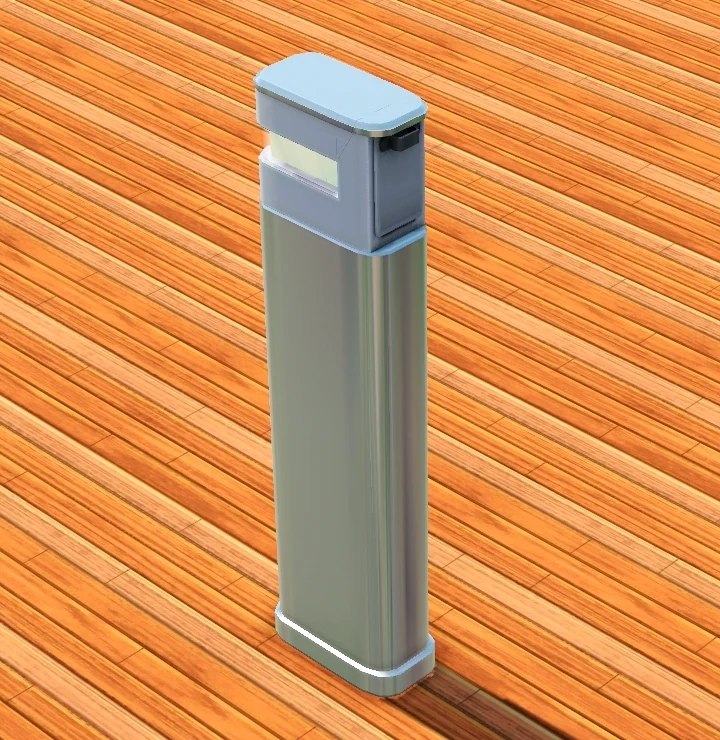
Future Mailbox | It's the mailbox of the future! | Added in Patch 63. Used in Oasis Landing. |
|
|
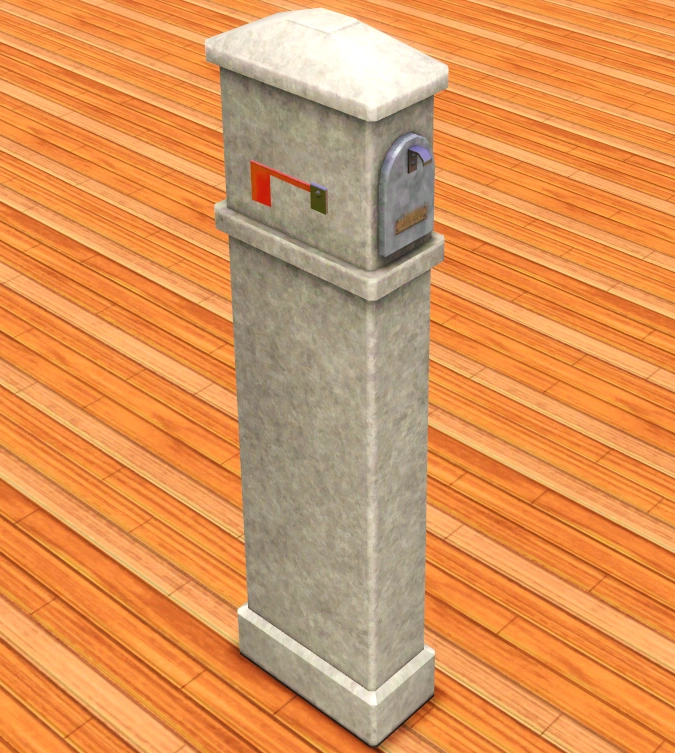
Mailbox | Used in Al Simhara and Shang Simla. |
 | |
|
Wall Mailbox | Used in residential apartment buildings. Normally not available elsewhere even with Buydebug, but can be acquired for other residential lots with a mod. |
 | |
|
Colonial Mailbox | Used on houseboats. |
 | |
|
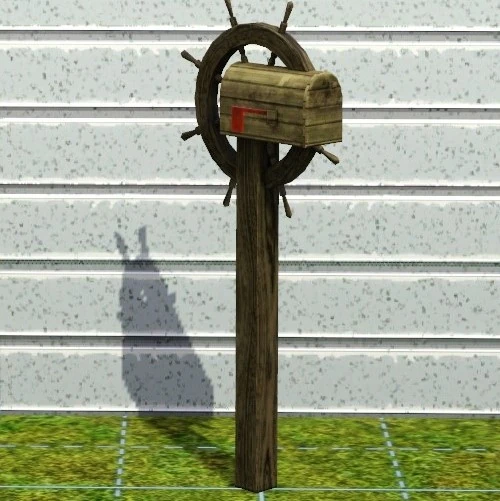
Mail, ho! | Letters, bills, and junk mail be kept in ye trusty mailbox finely crafted from pieces of shipwrecks. | Used in Barnacle Bay. |  |
|
Fancy Pillar Box | Got yourself a parcel to receive? Need to ship off a few more uncut stones? Then you need this love pillar box! | Used in Hidden Springs. |  |
|
Mailbox of the Future | This mailbox is very futuristic. It is guaranteed never to lose your mail. | Used in Lunar Lakes. |  |
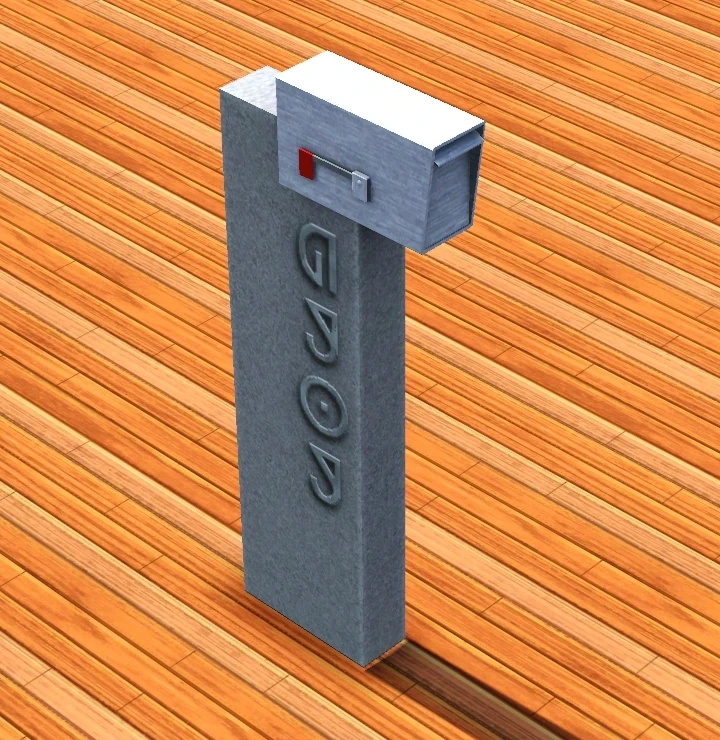
|
Modern Mailbox | This stylish mailbox makes any home feel more modern. | Used in Lucky Palms. |  |
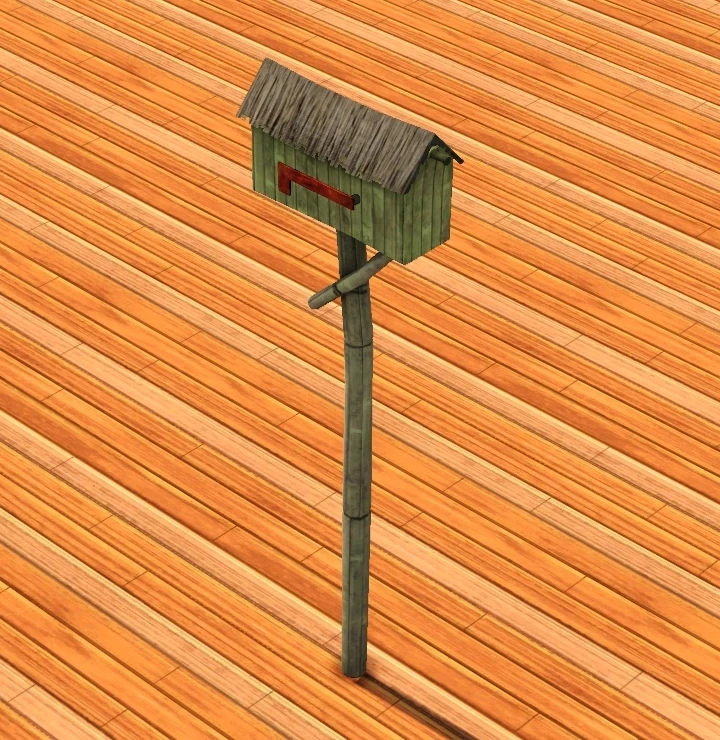
|
Tropical Mailbox | This tropical mailbox brings a bit of island charm to any home. | Used in Sunlit Tides. |  |
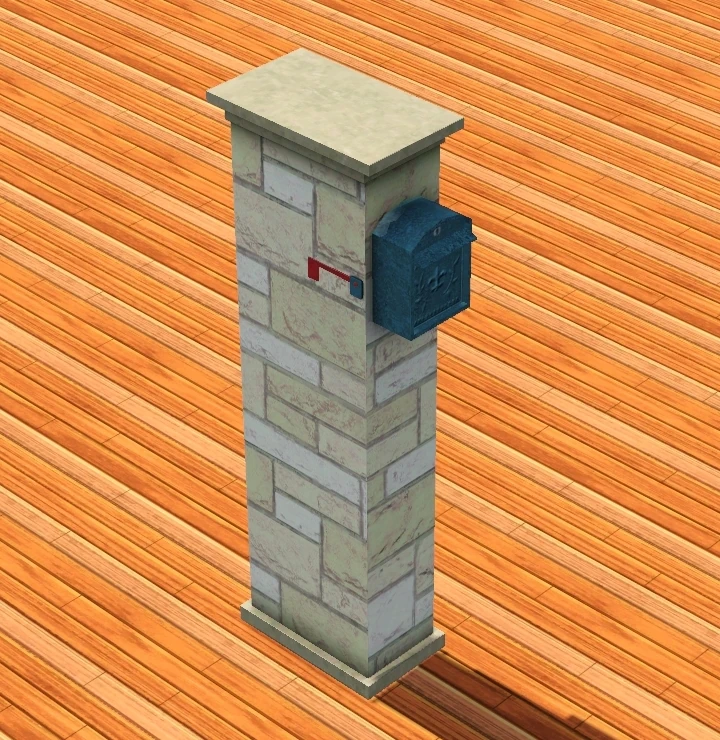
|
Benvenuto! Mailbox | Welcome mail with this stylish mailbox! | Used in Monte Vista. |  |
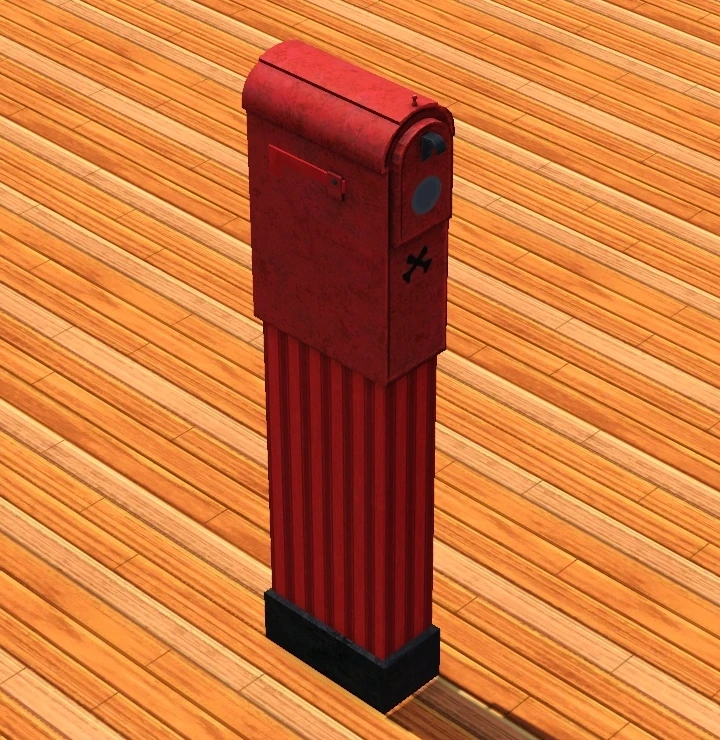
|
Junk-Free Mailbox | Junk mail created unnecessary waste and is therefore against the law. Tattle on these spammers with the Junk-Free Mailbox that sends an email to the police with the name and address of the wasteful sender. | Used in Aurora Skies. |  |
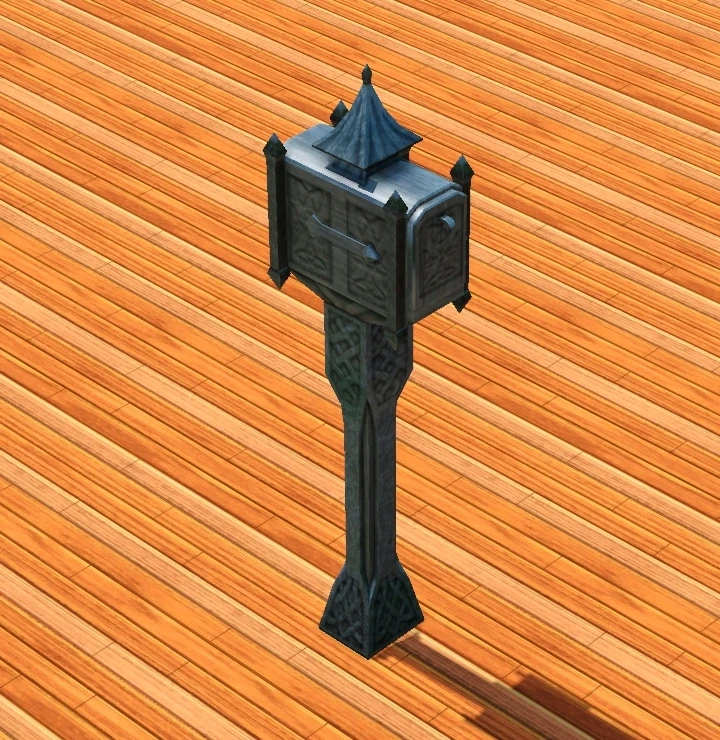
|
Post Box | It takes longer to travel around town than you realize. Just because it's closed in, doesn't mean the residents don't need a postal service. | Used in Dragon Valley. |  |
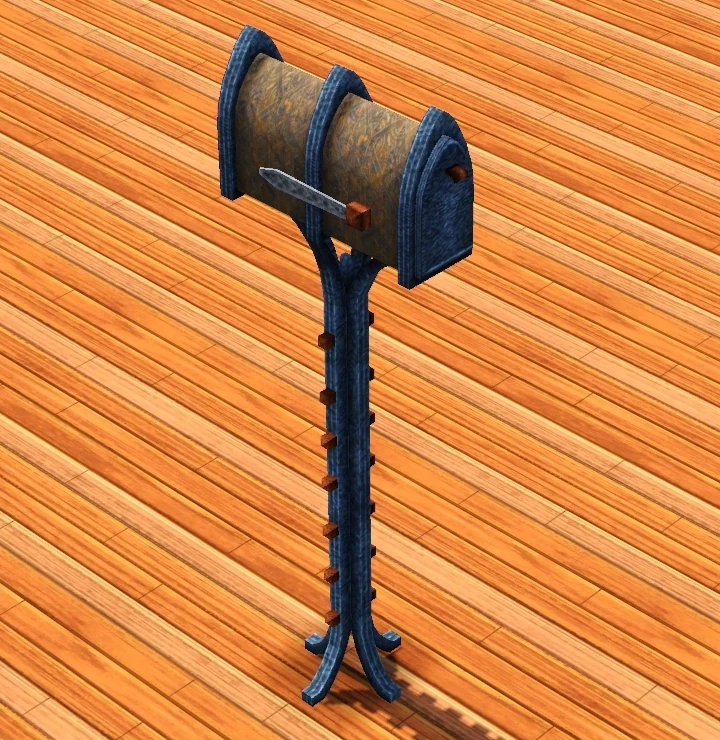
|
Macabre Mailbox | It's hard to imagine that a mailbox can make you think of the olden days, but this one does; With class! | Used in Midnight Hollow. |  |
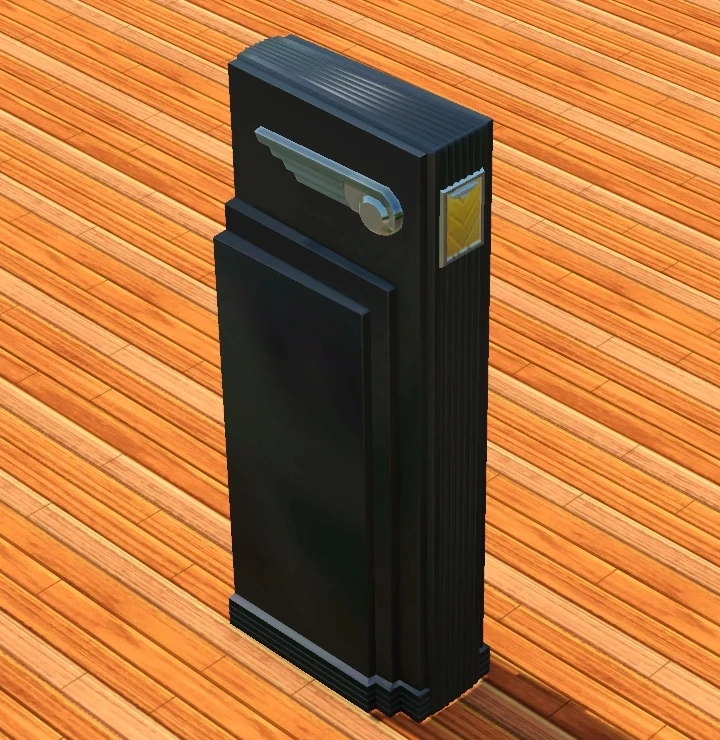
|
Monolithic Mailbox | Your mail is very important and the Monolithic Mailbox takes its job seriously. This intimidating mailbox will ensure your mail stays safe. | Used in Roaring Heights. |  |
The Sims 4
- This section is in need of additional information. You can help The Sims Wiki by expanding this section.
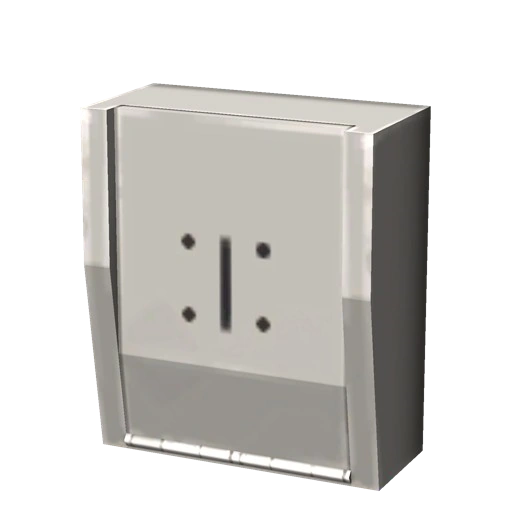
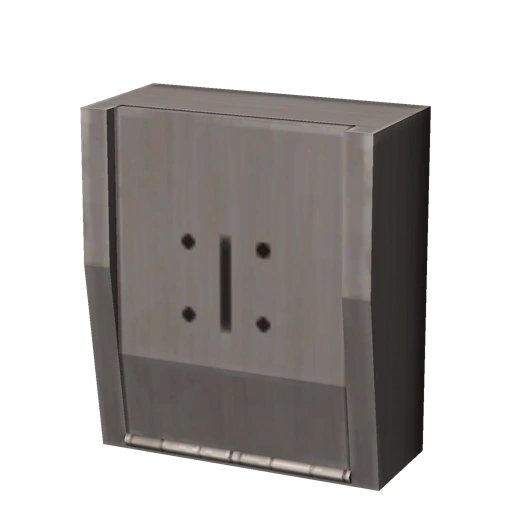
Sims can buy different kinds of mailboxes in buy mode. If the mail carrier is unable to reach the mailbox, a notification will appear informing the player that mail has been delivered. It is also used for Sims who write books to sell them. Mailboxes can also be used to pay bills. Sims living in apartments will have a wall-mounted mail station, much like The Sims 3: Late Night.
List of mailboxes
| Pack | Image | Name | Notes |
|---|---|---|---|
 |
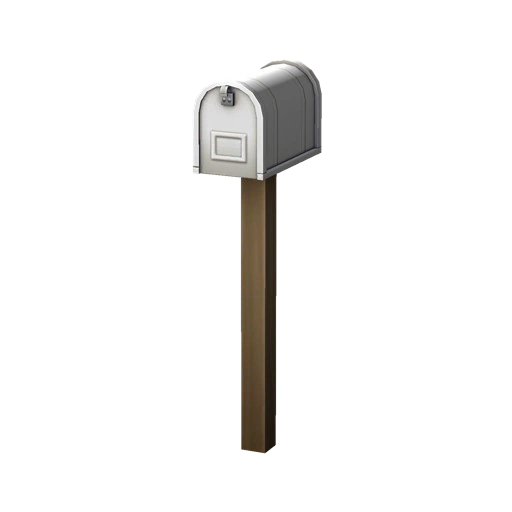
|
Ol' Rusty Mailbox | |
|
|
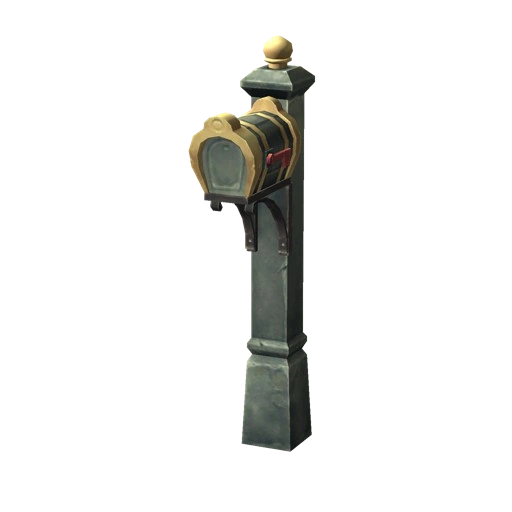
Willow Creek Mailbox | |
|

|
Oasis Springs Mailbox | |
 |

|
Out of this World Mailbox | |
 |
|
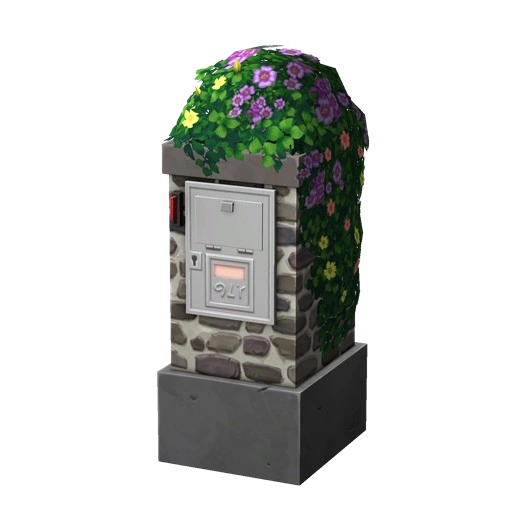
Old Country Mailbox | |
|
|
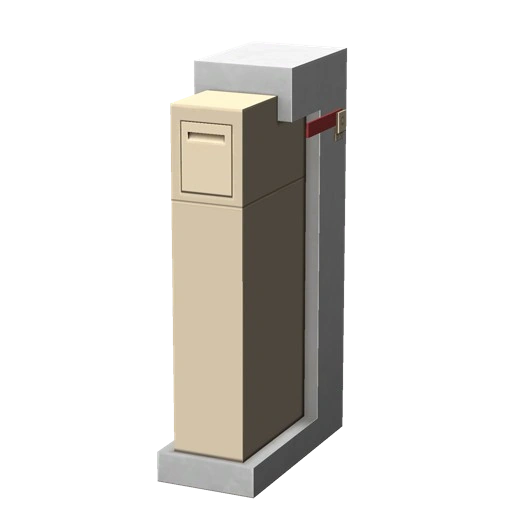
The Unassuming Neighbor Mailbox | |
 |
|
Apartment Mailbox | Only accessible on penthouse lots, or if debug cheats are used. |
 |

|
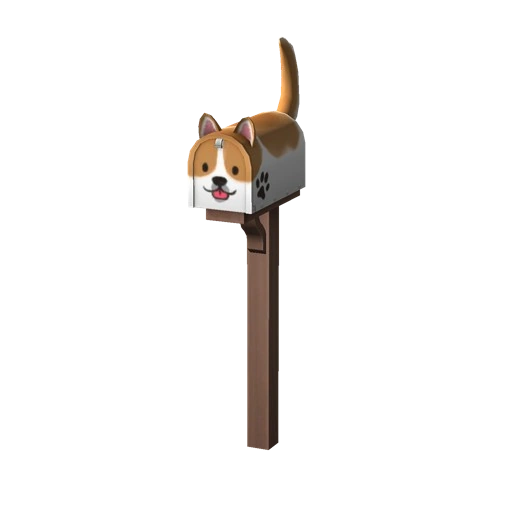
Meow Mailbox | Unlocked at veterinarian skill level 2. |
|
|
Postman Beware | Unlocked at veterinarian skill level 2. |
 |
|
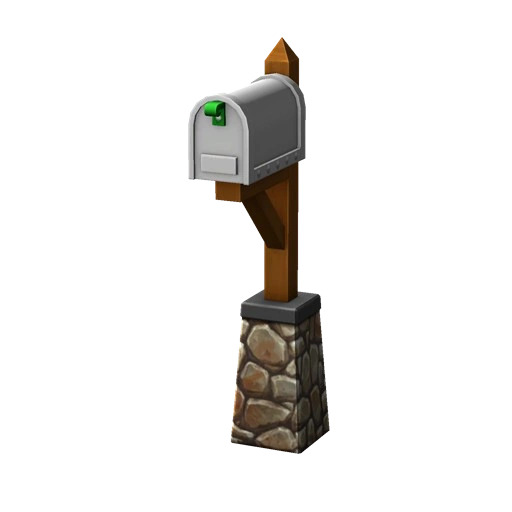
Festively-Fashioned Mailbox | |
 |
|
Posta Postina Wall Mounted Mailbox | Only accessible on penthouse lots, or if debug cheats are used. |
|
|
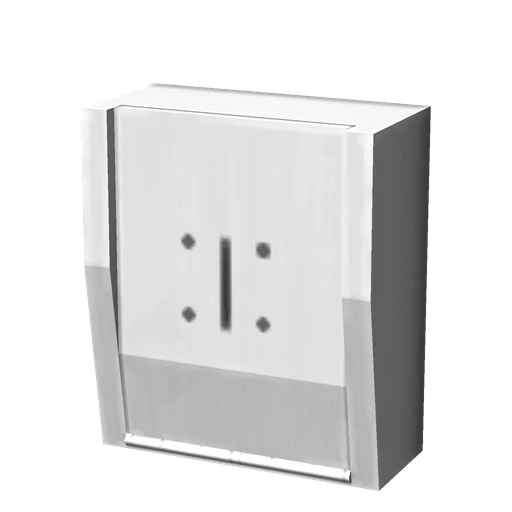
mailboxWall_GEN Placeholder Name | Only accessible if debug cheats are used. |
 |
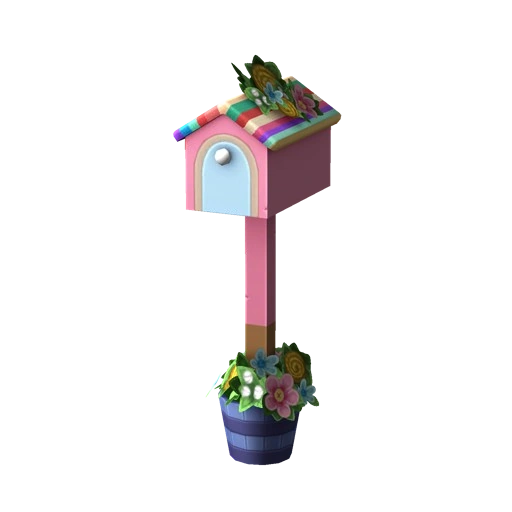
|
Cozy Knitted Mailbox | Must be knitted by a Sim, or bought on Plopsy. |
 |
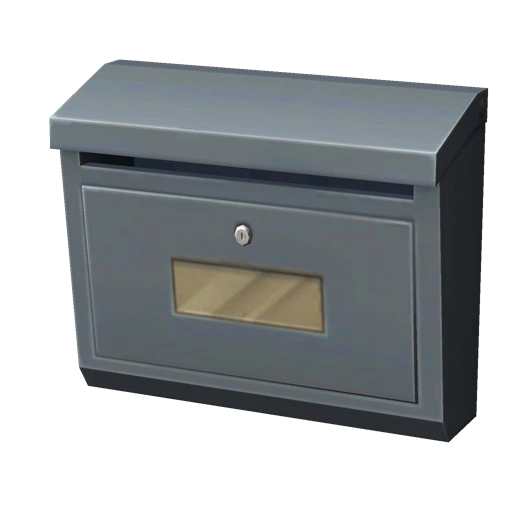
|
The SnailBox Mailbox | |
 |
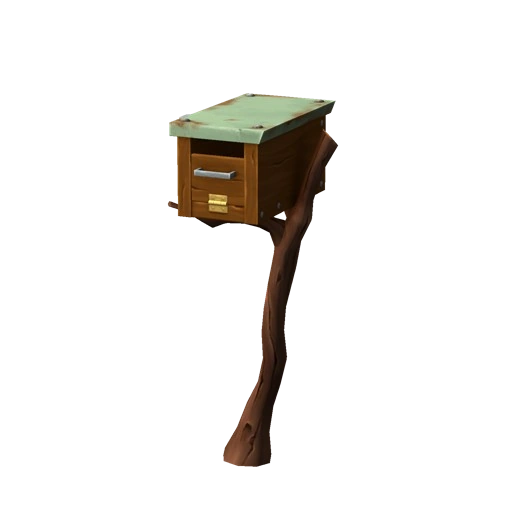
|
Woodsy Mailbox | |
 |
Lonely Cluster Mailbox | ||
|
Rural Cluster Mailbox | ||
|
Industrial Cluster Mailbox | ||
 |
In Wall Mailbox | ||
 |
Send It, Send It Mailbox | ||
 |
Moss & Message Mailbox |
The Sims FreePlay
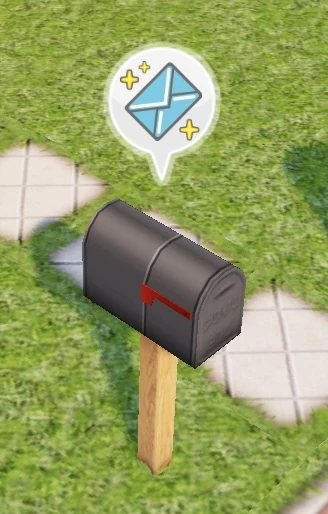

A mailbox with the daily rewards notification
Mailboxes in The Sims FreePlay function primarily to give daily rewards. What the player receives for daily rewards depends on things like VIP level and how many days in a row the player has claimed rewards. All rewards can be claimed at once by tapping the full mailbox icon in the top right corner of the daily rewards menu.
When daily rewards have arrived, a letter notification bubble will appear over the mailbox of whatever lot the player is viewing. Rewards can be claimed once a day. There is a chance a newspaper boy will appear next to the mailbox offering rewards for the player to watch ads.
The Sims Mobile
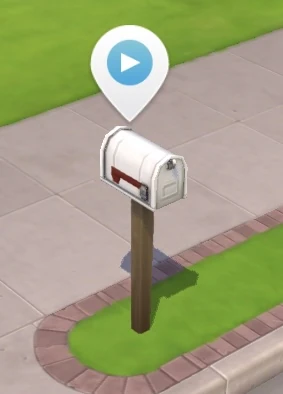

A mailbox with ads ready to watch
The mailbox in The Sims Mobile allows players to watch ads for prizes. If ads are available to watch, a notification bubble with a play button will appear over the mailbox. If no ads are available, tapping the mailbox will simply make it jump.
Watching ads from the mailbox can reward the player with simoleons, simcash, cupcakes, fashion gems, life tickets, super life tickets, and luxe life tickets.
Notes
- ↑ Mail carriers will not show up if there are no bills to pick up or drop off.